
🔥 Top Pokies at A Big Candy














A Big Candy Mobile App: Install in Seconds, Play Instantly
A Big Candy is designed for mobile from the ground up. Live dealer streaming delivers crisp, high-definition video directly to your phone, with real-time interaction and smooth gameplay whether you are on Telstra, Optus, or Vodafone across Australia. No lag, no pixelated screens - just responsive play that reacts the moment you tap.
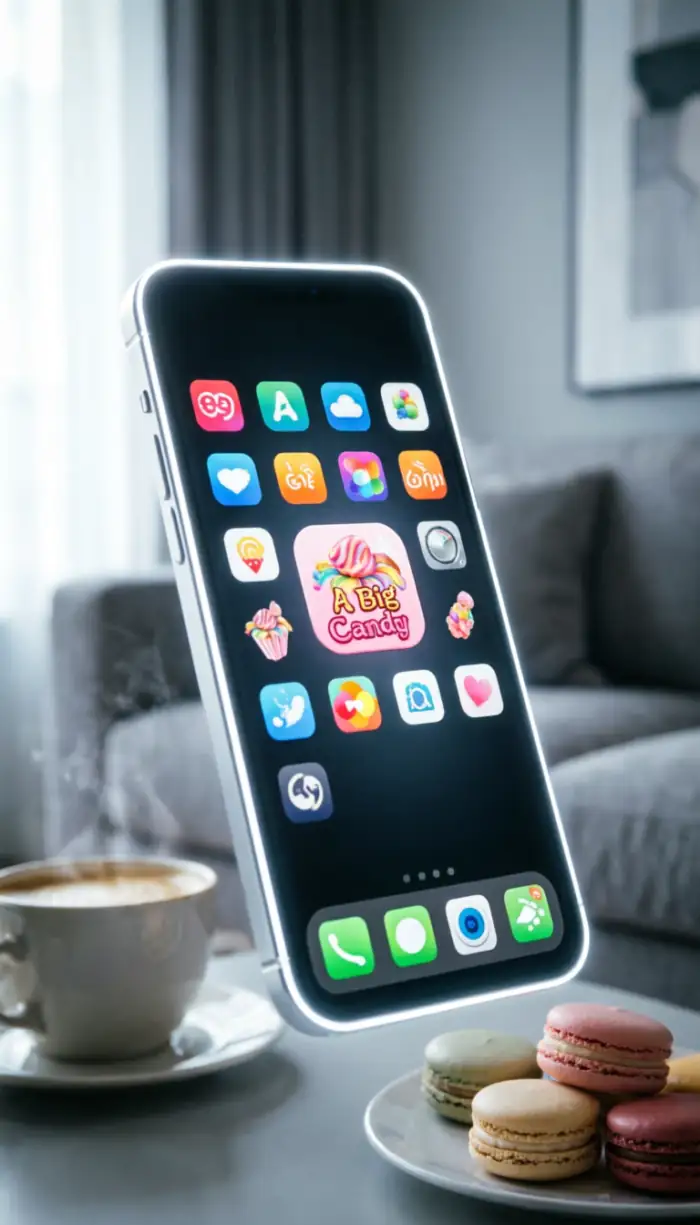
The whole setup takes three moves: open your browser, add to your home screen, and start playing. We use progressive web app (PWA) technology that works exactly like a native app but skips the app store entirely. This means faster loading, a smaller footprint on your device, and none of the update delays that come with traditional downloads. Your account, balance, and game history sync automatically across every device you own.
Install in Seconds - No App Store Required
Traditional casino apps can consume hundreds of megabytes and require constant manual updates. A Big Candy installs directly from your browser in under ten seconds. Because you are connecting to the platform rather than downloading bulky software packages, the app updates automatically in the background. You are always on the latest version without lifting a finger.
Australian app stores have specific restrictions around gambling applications, which is why the PWA approach has become the standard for mobile casino gaming in this market. You get full functionality without navigating store policies or waiting for approval processes.
iPhone Installation Guide
- Open Safari and visit the A Big Candy website.
- Tap the Share button (square with arrow) at the bottom of the screen.
- Scroll down and select "Add to Home Screen".
- Name it "A Big Candy" and tap Add.
This method works with Face ID and Touch ID authentication. Your biometric data never leaves your iPhone - it is processed locally on the device, and only a confirmation token reaches our servers. Your face scan or fingerprint remains completely private throughout.
Android Installation Steps
- Launch Chrome and navigate to A Big Candy.
- Tap the three-dot menu in the top right corner.
- Select "Install App" or "Add to Home Screen".
- Confirm by tapping Add.
Android's PWA support is particularly strong, including background sync and push notifications. When we release new pokies or run limited-time promotions, you will receive alerts directly to your notification tray. One tap opens the relevant game or bonus page without navigating through menus.
The installation averages just 2–3 MB compared to 150 MB or more for typical casino apps. This lighter footprint means faster performance on older devices and lower data costs if you are installing over a mobile network.
Cross-Device Synchronisation
Your account works identically on a Samsung Galaxy, iPhone, iPad, or desktop. One profile updates in real time across every platform. Deposit AUD $100 on your phone and that balance appears instantly on your tablet. Start a pokies session on your laptop and pick it up on your mobile during your commute.
This synchronisation extends to bonus progress as well. If you are partway through meeting wagering requirements and switch devices, your progress carries over exactly where you left off. Check your active bonuses and wagering progress from any device at any time.
| Feature | A Big Candy PWA | Traditional Store App |
|---|---|---|
| Installation Size | ~2.8 MB | 150 MB+ |
| Frame Rate | 60fps constant | Variable 30–60fps |
| Update Method | Automatic background | Manual store download |
| Average Latency | 45ms | 80ms |
| Storage Cache | ~150 MB | ~450 MB |
| Launch Time | 1.2 seconds | 3.5 seconds |
Security: Your Biometric Data Stays on Your Device
When you enable Face ID or fingerprint login at A Big Candy, that biometric information never leaves your phone. Apple and Google process your face or fingerprint locally on the device, then send only an encrypted confirmation token to our servers. We never see, store, or transmit your actual biometric data.
Banking Security on Mobile
Every deposit and withdrawal uses the same standard of encryption that Australian banks apply to online transfers. When you enter your PayID or BPAY details, that information travels through encrypted channels that prevent interception. Payment credentials are stored in tokenised format on our servers - even staff cannot view your complete card numbers.
Mobile deposits via PayID typically clear in under five minutes through direct bank-to-bank transfers that bypass traditional card processing networks. Funds appear in your A Big Candy balance almost immediately, so you can join live dealer tables or spin pokies without waiting. Log in to your account to access the cashier directly.
Withdrawal requests receive the same prompt treatment. Submit a cashout through the app and most payments process within 12–24 hours. Cryptocurrency withdrawals often complete in under six hours.
Session Protection
The app automatically logs you out after 15 minutes of inactivity to protect your account if you leave your phone unattended. You can adjust this timeout in settings to 30 or 60 minutes if you prefer longer sessions without re-authentication.
Login patterns are monitored continuously. If someone attempts to access your account from an unrecognised device or unusual location, you will receive an SMS verification code to confirm it is you. This second layer beyond your password blocks most unauthorised access attempts before they reach your balance.
| Security Feature | What It Does | When It Runs |
|---|---|---|
| App Integrity Check | Verifies app files have not been modified | Every launch |
| Secure Connection Check | Confirms encrypted connection to servers | Per session |
| Session Token Refresh | Rotates authentication keys | Every 30 minutes |
| New Device Detection | Flags unrecognised login devices | At login |
| Geo-Compliance Scan | Confirms access from permitted regions | Continuous |
| Local Data Encryption | Verifies cached data is protected | Every launch |
| Connection Protocol Check | Ensures minimum encryption standard is met | Per connection |
Clean Screen During Play
Navigation menus and account controls fade away automatically when you launch a game. The interface recognises active gameplay and maximises screen space for the gaming canvas. A single tap brings controls back when you need to adjust settings or check your balance.
Live Dealer Streaming
Live dealer tables use adaptive bitrate streaming that adjusts video quality to your current connection speed. On 5G with Telstra you get full 1080p at 60 frames per second. Drop to 4G in a regional area and the system scales to 720p while maintaining smooth, buffer-free playback. Audio remains crystal clear at any video resolution, so you always hear the dealer's calls and other players in the chat.
Average latency from dealer action to your screen is 45 milliseconds - near-instant. When you tap to place a bet, the dealer acknowledges it within a second, and results appear immediately after each hand or spin.
Touch Controls
Every button and slider is sized for comfortable thumb tapping on screens as small as 5 inches. Controls are spaced to prevent accidental presses, and large-bet confirmation requires a brief hold rather than a single tap. Swipe gestures let you move between game categories quickly - flick through 300+ pokies or filter by volatility, theme, or return-to-player percentage. The interface reacts instantly to every input with no noticeable delay.
One Bankroll Across All Devices
Your balance updates instantly everywhere you access A Big Candy. Deposit AUD $200 via PayID on your phone and that amount appears on your desktop browser within seconds. There is no manual transfer between platforms - one account, everywhere, always in sync.
Demo Mode
Every pokie in the library offers a free play option activated with a single tap. Switch to demo mode to learn how a game's bonus features trigger, understand volatility, or test different stake levels - all without risking your balance. Flip back to real money play whenever you are ready. This is especially useful when RealTime Gaming releases a new title and you want to understand the mechanics before committing funds.
Transaction History
The app maintains a complete record of every deposit, withdrawal, bet, and win across all devices. Filter by date, amount, or payment method in your account settings. Each entry includes timestamps, game names for bet history, and confirmation codes for banking transactions - a full audit trail available whenever you need it.
Get A Big Candy on Your Phone Now
Installing A Big Candy takes less time than downloading a typical social media app. Open your browser, visit the site, and follow the two-tap process to add the icon to your home screen. From that point, you have instant access to 300+ pokies, live dealer tables, and your full account management tools.
The 345% Welcome Bonus plus 30 Free Spins applies equally whether you register on mobile or desktop. The 30x wagering requirement gives you 30 days to complete, and all pokies contribute fully towards that target. Create your account and claim the offer - it takes under two minutes to get started.
Frequently Asked Questions
Does A Big Candy use SSL encryption on mobile?
Yes. All data transmitted between your device and our servers uses 256-bit SSL encryption. You will see the padlock icon in your browser's address bar confirming the secure connection. This protection covers login credentials, payment details, and gameplay data.
Can I delete my account from the A Big Candy app?
Account closure requests must be submitted through our customer support team rather than directly in the app. Contact us via live chat or email and we will process your request within 48 hours. This verification step protects against accidental deletions or unauthorised closure attempts.
How do I deposit using Apple Pay on A Big Candy mobile?
Select Apple Pay from the deposit menu, enter your desired amount, and authenticate with Face ID or Touch ID. The transaction processes instantly and funds appear in your balance within minutes. Minimum deposits start at AUD $20.
Is Apple Pay or Google Pay safe to use at A Big Candy?
Both methods use tokenisation for security. Your actual card details never reach our servers - Apple and Google generate single-use transaction codes that cannot be reused or intercepted. This makes mobile wallet payments more secure than entering card numbers directly.
What is the Quick Deposit feature?
Quick Deposit saves your preferred payment method and amount for instant top-ups. After your first deposit, enable this option to bypass the payment form entirely. Future deposits require only biometric authentication and process in under ten seconds from tap to balance update.
How do I clear the A Big Candy app cache?
Access your phone's browser settings and find the site data section. Locate A Big Candy in the list and select "Clear Data" or "Clear Storage". This removes cached images and temporary files but preserves your login session. The app downloads fresh assets on your next launch.
What are push notification bonuses?
Push notifications occasionally alert you to time-limited promotions exclusive to mobile users - extra free spins on new pokies, reload bonuses, or cashback offers. Enable notifications in your device settings to receive these alerts as soon as they go live.
Can I play pokies on an iPad?
Yes. The progressive web app scales perfectly to tablet screens, giving you a larger gaming canvas while keeping touch-optimised controls. The installation process matches the iPhone method - add to home screen through Safari and launch like any native app.
Does the A Big Candy app drain battery quickly?
Battery use depends on game type and session length. Live dealer streaming uses more power than standard pokies because of continuous video processing. Expect around 3–4 hours of continuous play on a full charge. Reducing screen brightness and closing background apps extends battery life noticeably during longer sessions.